Cropping a PDF does not remove anything
A crop hides content, it does not delete it. If you cropped something sensitive out before sharing, it is still in the file.
Here is a thing that has gone wrong at law firms, banks and newspapers, repeatedly, in public: someone crops the sensitive part out of a PDF, sends it, and the sensitive part is still in the file.
What a crop actually does
Cropping a PDF does not delete anything. It sets a crop box — a rectangle telling the viewer which part of the page to display. The content outside that rectangle is still sitting in the file, byte for byte. Your viewer politely declines to draw it. That is the whole mechanism.
Which means anyone can get it back. Reset the crop box in any PDF editor and the "removed" material reappears. Copy the text out and you get the hidden words too, because the text was never touched. No hacking required — it is not a vulnerability, it is how the format works.
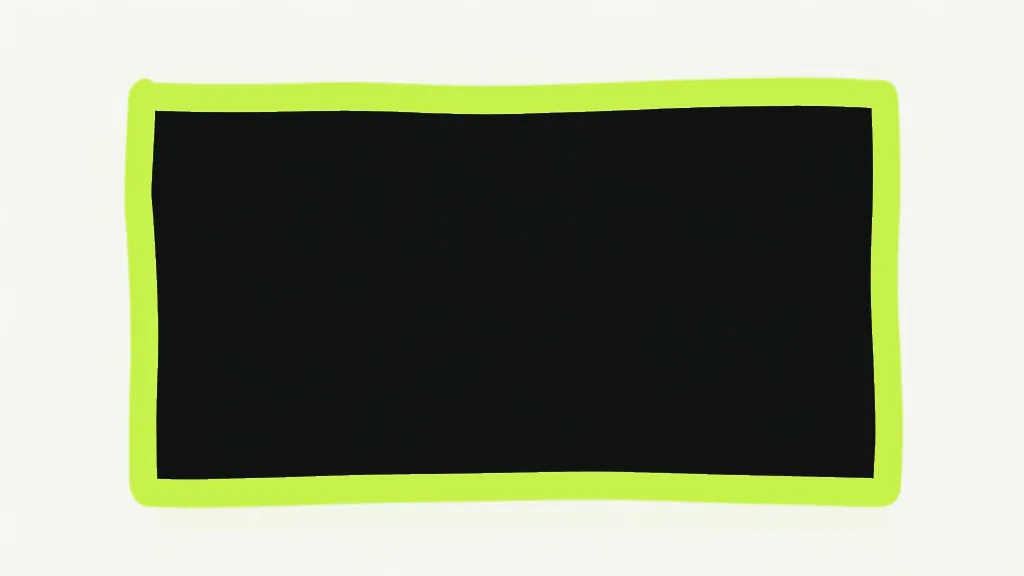
The same trap catches people who draw a black box over text. A black rectangle is a shape drawn on top of the words, not a deletion. Select the area, paste it into a text editor, and the words are all there underneath. Every few years a redacted court filing gets published this way and the redactions are lifted within the hour.
So when is cropping fine?
Almost always — because almost nobody is cropping secrets. Trimming the white margins off a scan, cutting a slide handout down to the slide, fixing a page scanned at the wrong paper size: for all of that, a crop is exactly right. It is lossless, it is instant, and the text stays selectable. Use it freely.
Crop PDFTrim margins and crop the visible page area.How to actually remove it
If you are cropping to hide something before sharing, you need the content genuinely gone, not hidden. The reliable move is to crop first, then flatten the file to images. Flattening re-draws each page as a picture of what is visible — and a picture of a page contains only what was on it. Whatever sat outside the crop box is not in the rendered image, because it was never drawn.
You pay for that: the text stops being selectable and searchable, and the file usually gets bigger. That is the trade for the guarantee. Use Flatten PDF in "Everything to images" mode.
Flatten PDFLock filled form fields, or bake the whole page down to an image.Is cropping a safe way to hide information?
- Cropping hides content. It does not remove it, and it is reversible by anyone.
- A black box over text is decoration. The text is still underneath.
- For margins and tidying, crop away — it is the right tool and it is lossless.
- To truly remove something: crop, then flatten to images, then check the result yourself.