Why your PDF is 40MB
Almost always photographs. A look at what is actually inside a bloated PDF, and why a text-heavy file will not compress.
Someone sends you a two-page PDF and it is 40 megabytes. Someone else sends a 300-page report and it is 900 kilobytes. The page count has almost nothing to do with it.
It is the photographs. It is almost always the photographs.
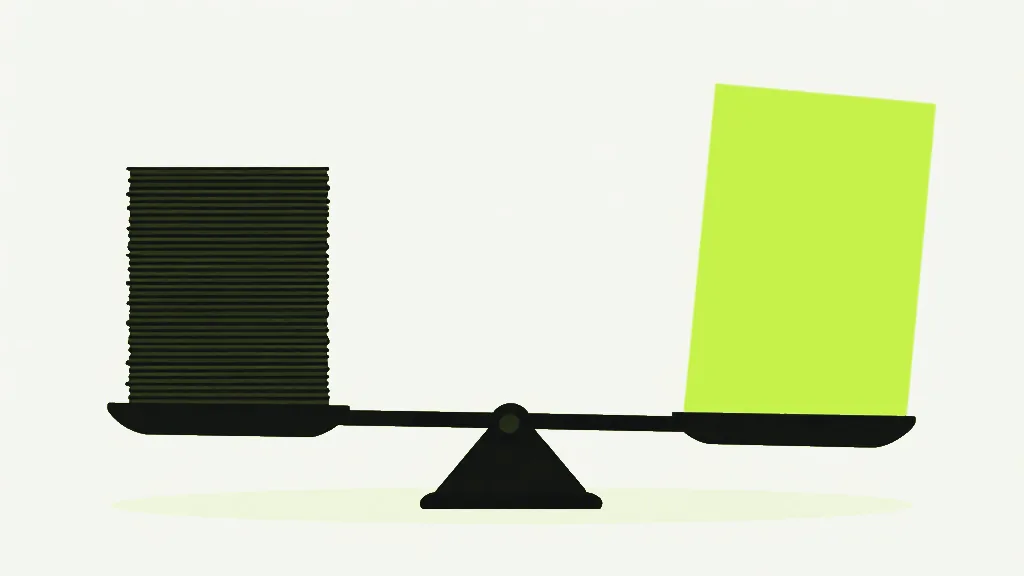
A PDF stores text as instructions: use this font, draw these glyphs, at this position. That is a few bytes per word, and it is why a long report stays small. An embedded photograph is stored as pixels, and a modern phone camera produces a lot of pixels. One full-page scan at 300 DPI is roughly 8.7 million of them.
So a two-page "document" that is really two phone photos of a receipt is two enormous images in a PDF wrapper. It is not a text document at all. It is a photo album that opens in Acrobat.
What is actually taking up space in a PDF?
- Phone scans. Scanner apps default to high resolution and mediocre compression.
- Screenshots pasted into a document — often stored losslessly, which is the worst case for a photographic image.
- Embedded fonts. Rarely the main culprit, but a full CJK font can add megabytes on its own.
- A page rasterised at print resolution when it only ever needed to be read on screen.
What actually shrinks it
Re-compressing the images, and essentially nothing else. Compression finds the photographs inside the file, redraws them smaller and at lower quality, and puts them back. On a scan-heavy file the result can be dramatic. On a contract it does approximately nothing, because there was never anything expensive in there.
Compress PDFShrink file size while keeping it readable.This is why "compress PDF" tools feel unreliable. They are not — they are just being applied to files with nothing to compress. Our tool reports how many images it actually re-encoded, so a text-only PDF tells you "0 images" instead of leaving you to wonder why a 900KB file came back at 890KB.
The one thing to avoid
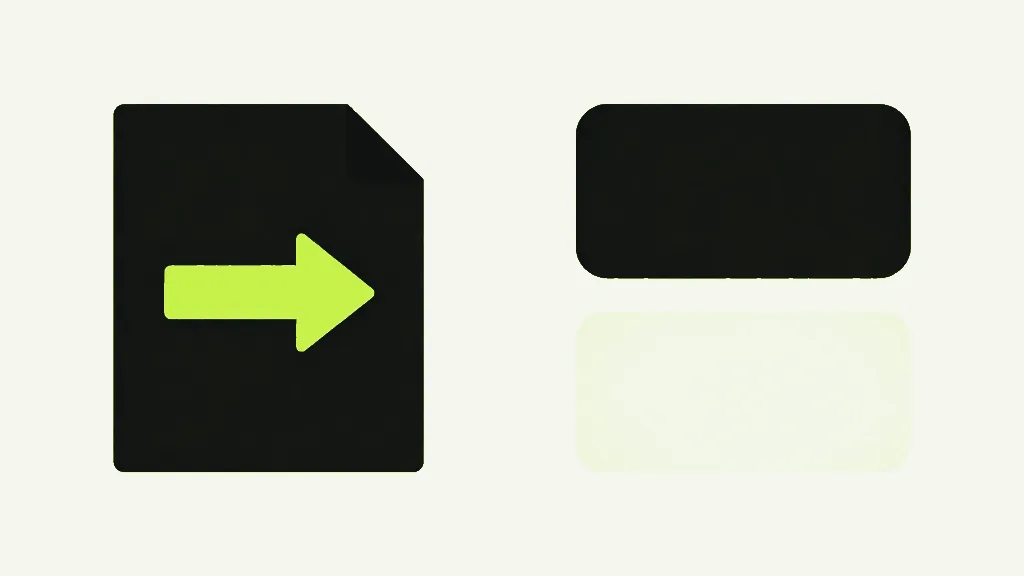
Some tools shrink text-heavy PDFs by rasterising every page — turning your text into a picture of text. The number goes down and the file looks fine at first glance. But the text is no longer selectable, no longer searchable, and no longer sharp when zoomed. If a tool dramatically shrinks a text document, that is usually what it did to you.
Flattening to images is a legitimate thing to want — it is how you guarantee a file looks identical everywhere. It is just not a compression strategy, and it should be a choice you make rather than one made for you.