How to merge PDF files
Combine several PDFs into one document, choose the page order, and keep the text selectable — without uploading anything.
Merging is the most ordinary PDF job there is — a contract plus its signed signature page, a report that arrived in chapters, a month of receipts for an expense claim. The awkward part was never the merge. It is that the usual way to do it involves handing a confidential document to a stranger's server.
Merge two or more PDFs
Add your files
Drop every PDF you want to combine onto the upload area, or browse for them. You can keep adding more at any point.
Set the order
Drag files up or down by the grip handle. The finished document follows the list exactly, top to bottom — this is the step people skip and then redo.
Drop anything you do not need
Use the × on a row to remove a file without starting the whole thing again.
Merge
Click Merge. The combined PDF is assembled on your own device and downloads straight away.
Does merging reduce quality?
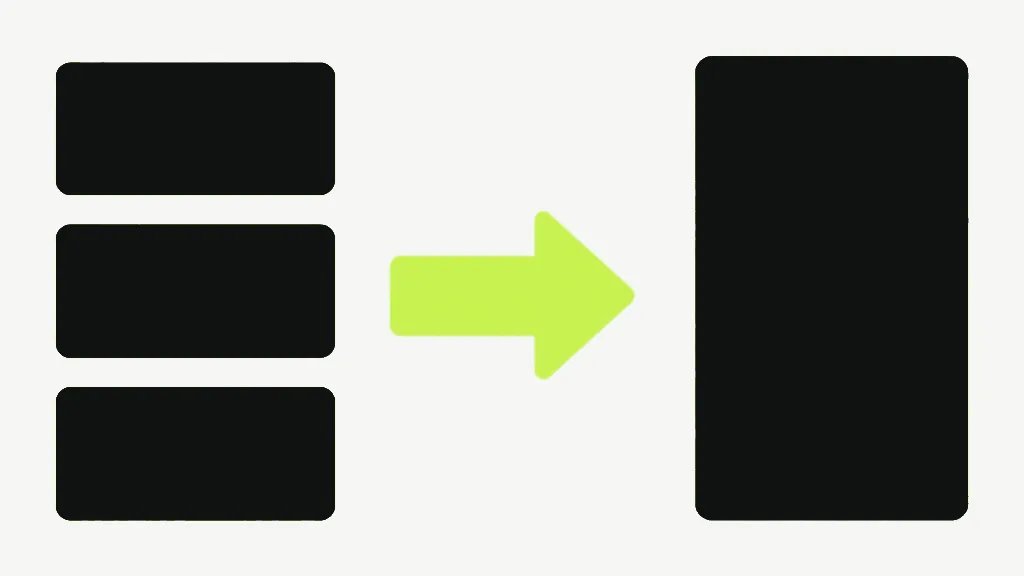
No — and it is worth knowing why, because it is the difference between a merge and a re-export. The pages are copied across as they already exist, not re-rendered or re-compressed. Text stays real text you can select and search, and images keep the exact quality they had. Merge a file, split it back apart, and you get what you started with.
How many files can you merge?
There is no cap, because there is no upload to meter. The practical ceiling is your device's memory: the work happens in the browser tab, so a hundred small documents are fine and a hundred enormous scans on an old phone eventually will not be. No account, no daily limit, no queue.
What does not survive
Interactive form fields, bookmarks and the document title do not carry through the merge — we measured it. The merged file is a new document built from your pages, and those things belong to the old documents rather than to any page, so they stay behind. The form case is the one that bites: the boxes still look like boxes and are no longer fillable. If a form has filled-in values that matter, flatten it first so the answers become part of the page.
Once the files are combined, Organize Pages is the tool for rearranging pages inside the result, and Delete Pages for dropping the ones you did not want.