What “lossless” actually means in a PDF tool
Copying a page and re-photographing it both get called lossless. Only one of them is — here is which of ours are which.
"Lossless" is the most abused word in PDF tooling, and it is abused by accident more often than on purpose. It gets attached to two operations that could not be more different: copying a page into a new file, and re-rendering a page into a new file. One of them genuinely cannot degrade your document. The other is a photocopier. Both get the same word in the marketing.
Copying a page versus re-rendering one
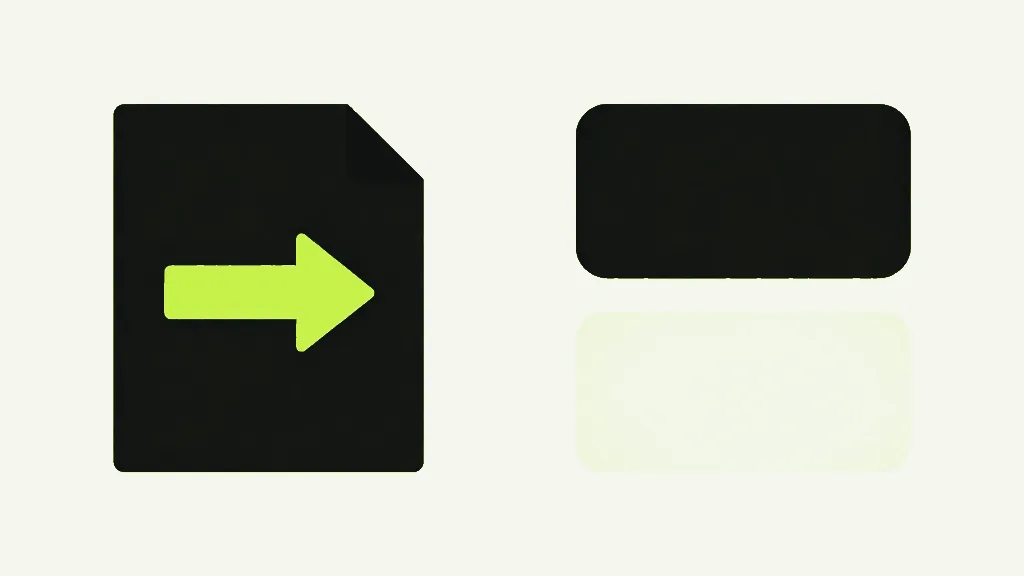
Copying moves the existing drawing instructions into a new file without interpreting them. The tool never asks what the page looks like — it lifts the content stream, brings along the fonts and images it refers to, and writes it out. Nothing is decoded, so nothing can be decoded wrong. Re-rendering does the opposite: it draws the page, captures the result as pixels, and embeds the photograph. The output looks like your page in the way a photocopy looks like a letter.
The difference is measurable, so here it is measured. Take a page with three lines of text, copy it into a new document, and compare the decoded content stream before and after: 436 bytes in, 436 bytes out, byte-for-byte identical. Not similar, not visually equivalent — the same bytes. The glyphs cannot have shifted because the instructions that place them were never read, let alone rewritten.
Which tools here are copy-based
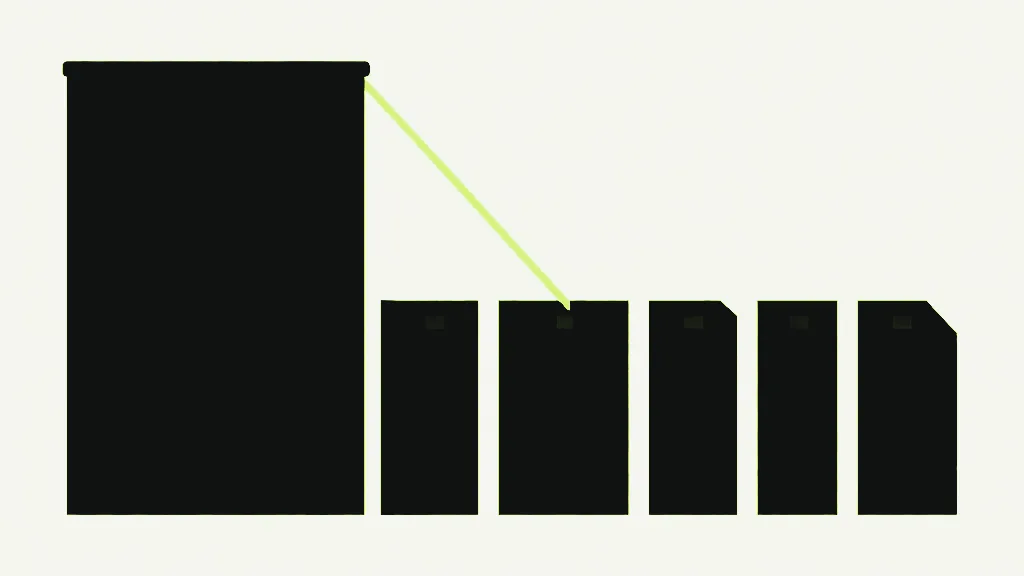
Five tools here are built on copying and cannot touch your page content: merging, splitting, deleting pages, extracting pages and organizing. All five do the same thing underneath — create an empty document, copy the pages you asked for into it, save. The text stays text, the images keep their original encoding, vectors stay sharp. Merging a hundred files degrades nothing, and neither does splitting one a hundred ways.
They are lossless about page content and lossy about everything wrapped around it, which is the caveat that never makes it onto a competitor's feature list. Because those five rebuild the document rather than editing it, the parts that live at document level and not page level do not come along. Measured on a file built to have all of them: form fields gone, bookmarks gone, Title and Author gone, pages perfect. If you have ever filled in a PDF, merged it with something, and found it blank, that is this mechanism, and it is explained properly in why filled PDF forms come back blank.
Which tools mutate in place
Most of the rest open your document, change it, and save that same document back rather than building a new one. Rotating, watermarking, page numbers, cropping, filling a form and the archival clean-up all work this way, and we measured all of them keeping your form fields, your bookmarks and your title and author. Because there is no rebuild, there is nothing to drop.
Encrypted files take the same route, which is worth saying because it very nearly did not. Protecting a PDF puts your title and author inside the encryption along with the pages, and any reader holding the password gets them back unchanged. Taking the password off again keeps them. So does rotating a permission-restricted PDF — the kind that opens without a password but limits what you may do.
That sentence used to say the opposite, and how it got fixed is the most useful thing in this article. Unlocking really did drop your title and author for a while. Asked with the same library that writes these files, the blame landed on protecting — the title came back empty from a protected document. The library was the empty thing: it cannot decrypt its own metadata, so it reports the field missing whether or not it is there, and the obvious test convicts an innocent tool. A real PDF viewer, asked the same question, read the title perfectly well. The bug was one step further on, in the unlocking, and it is gone now. If a tool tells you your data is gone, check with something that did not write the file before you believe it.
One tool is in neither camp. Flattening to images does not mutate and does not copy — it builds a new document out of photographs of your old one, which is why it drops absolutely everything and why it is the only operation here that no one should call lossless.
Rotation is the cheapest edit on this site by a wide margin. It changes one number per page — the /Rotate value — and touches no content whatsoever. Watermarks and page numbers are nearly as gentle: they append new drawing instructions to the page and leave every existing one alone. Your text is not re-encoded to have a word stamped across it. Nothing that was there is re-examined.
That contrast is genuinely counterintuitive, so it is worth stating flatly: deleting one page from a PDF is more destructive to the file as a whole than rotating every page in it. Deleting rebuilds and drops your bookmarks. Rotating edits a number and keeps everything. The operation that sounds trivial is the invasive one.
Which tools are genuinely lossy
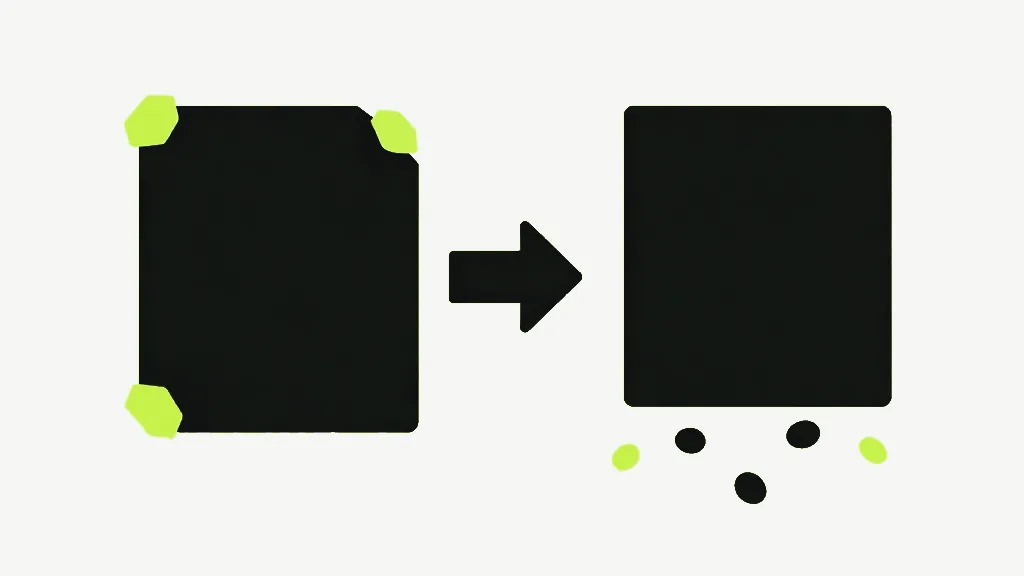
Two tools destroy information on purpose, and both say so. Compression finds the JPEG images inside your file and re-encodes them at lower quality — but the word "re-encode" undersells it, because it also downscales. The longest edge is capped at 2200, 1600 or 1100 pixels depending on the level you pick, alongside JPEG quality of 0.82, 0.65 or 0.42. A 3000-pixel scan does not come back at 3000 pixels with more artefacts. It comes back smaller, permanently, and no amount of zooming gets the detail back.
Compression has two other edges worth knowing before you run it. It only touches images stored as plain JPEG, so a PDF full of PNG-style or lossless-compressed images may report almost nothing done. And some JPEGs are deliberately passed over: one carrying a transparency mask, or stored in CMYK or another print colour space, is left exactly as it was, because the browser re-encoding path would flatten the transparency and mangle the colours — we watched a magenta CMYK scan come back green before that guard existed, on 17 July 2026, which is the day it was added. It also refuses to make anything worse: a re-encoded image is only swapped in if the new bytes are actually smaller, so a well-optimised file is left alone rather than being bloated by a tool trying to justify itself.
Flattening to images is the honest photocopier, and the only tool here that turns your whole document into pictures. Every page is rendered at 2x PDF user space — 144 DPI — and embedded as JPEG at quality 0.85, with a hard cap of 2400 pixels wide, meaning any page wider than 1200 points is silently downscaled on top of everything else. A white backdrop is painted first, so page transparency is gone as well. Your text stops being text. That is not a defect; it is the entire purpose, and it is the right call when you need a page that cannot be edited or reflowed by anyone. It is simply not something to do by accident.

Even lossless rewrites the file
The honest nuance, and the one that trips up anyone checking with a checksum: every operation here rewrites your file, including the ones that change nothing. Load a PDF and save it straight back out with no edits at all, and the bytes are different. Measured: a 3,647-byte file came back at 4,375 bytes having had nothing done to it. The objects get renumbered, the cross-reference table is rebuilt, streams are re-serialised. The document is reconstructed from its parsed form every time.
It is deterministic, at least — two identical no-op saves produce identical output. But byte-identical and visually identical are two different claims, and only the second one is being made. Copy a page and its content stream survives to the byte; the file around it does not. In one measurement the copied file came out the same length as the original and still was not the same bytes, which is a good demonstration of how little file size tells you.
So if you need proof a document was not altered, a checksum will not give it to you, because processing a PDF at all changes the checksum. That is what signatures are for. Anyone claiming their tool returns your file untouched is either not touching it — in which case why did you run it — or using "untouched" to mean "your content survived", which is the claim worth making and the one worth stating precisely.
So what does lossless actually mean here?
- Copying a page moves instructions and cannot degrade them. Re-rendering photographs the page. Both get called lossless.
- Merge, split, delete, extract and organize copy — page content is untouched, but form fields, bookmarks and metadata are dropped.
- Rotate, watermark and page numbers edit in place and keep everything. Rotation changes a single number.
- Compression and raster flattening are genuinely lossy, and compression downscales as well as re-encodes.
- Every operation rewrites the file, so the bytes always change. Byte-identical is a different promise from looks-identical.