What a PDF page actually is
A page is not a sheet of paper. It is a media box, a crop box and a rotation — and when they disagree, tools break.
Open a PDF and you see a sheet of paper. That is the illusion the format is selling, and it is a good one. Underneath, a PDF page is not a sheet of anything — it is a set of rectangles plus a number saying which way up to display them. When a PDF tool does something baffling to your page, it is almost always because two of those rectangles disagreed and the tool believed the wrong one.
A PDF page is a set of boxes
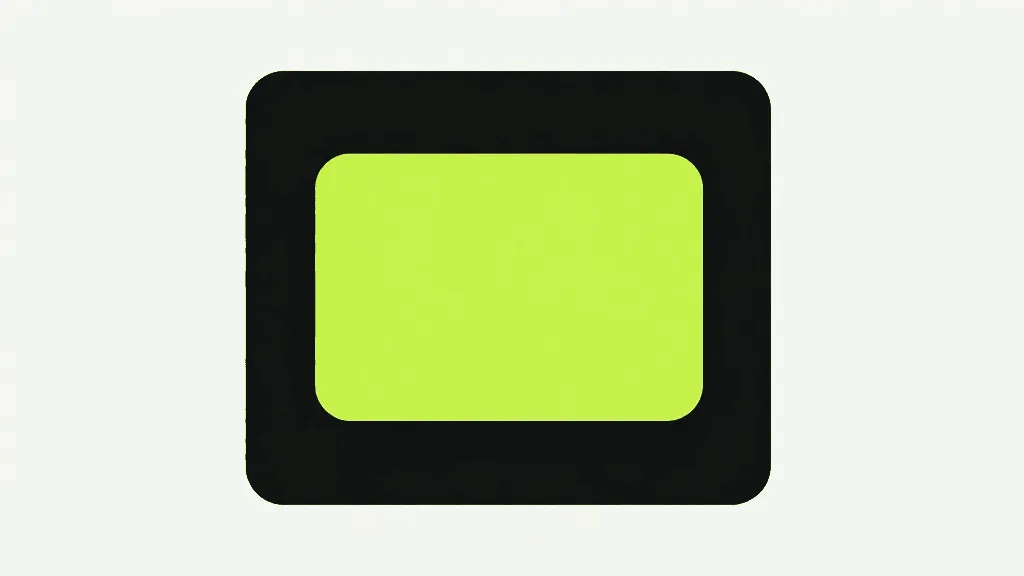
Every PDF page carries a rectangle called the MediaBox, and that is the physical sheet: the full extent of the paper the page was meant to be printed on. US Letter is 612 by 792 points, a point being 1/72 of an inch. A4 is 595.28 by 841.89. The MediaBox is the only box that is mandatory, and it is the one most people picture when they think "page size".
The box that actually governs what you see is a different one. The CropBox says which region of the MediaBox a viewer should display, and if a page has one, that is your page — on screen and on paper. The MediaBox quietly becomes a fact about the file that nobody looks at. When no CropBox is set it defaults to the MediaBox, which is exactly why the two are so easy to confuse: on an ordinary page they are the same rectangle, and the distinction costs nothing until the day it costs everything.
There are more boxes below those two — BleedBox, TrimBox, ArtBox — which describe where a printed sheet gets cut and where the live artwork sits. Most PDFs never set them. They matter here only as evidence of the shape of the format: a page is not one thing with a size, it is a stack of claims about a region, and the software gets to decide which claim it honours. Different software deciding differently is one of the reasons a PDF can look wrong on someone else's screen.
The boxes do not have to agree
A print-ready PDF is the ordinary case where the boxes deliberately disagree. Artwork that runs to the edge of a finished page has to be printed slightly oversized, so that a cutting blade landing a fraction of a millimetre off does not leave a white sliver down the side. That overspill is called bleed. The sheet in the file is bigger than the page you will hold, and a tighter CropBox is commonly what hides the difference — you preview the trimmed page while the file still carries the full bleed area.
So on that file, the region outside the CropBox is not empty. It is artwork, deliberately hidden. And a tool that treats "the page" and "the sheet" as synonyms will hand it back to you.
Here is the trap, measured. Take a page whose MediaBox is 612x792 with a 540x720 CropBox inset 36 points on every side. Now have a tool write a full-page crop rectangle to it — the "harmless no-op" that every crop tool is tempted to write when the user drags nothing. The CropBox comes back as 612x792. The crop did not stay put; it got wider, and 36 points of hidden trim area is now visible on all four sides. An operation that changed nothing on purpose revealed something on purpose.
Rotation is a number, not a transformation
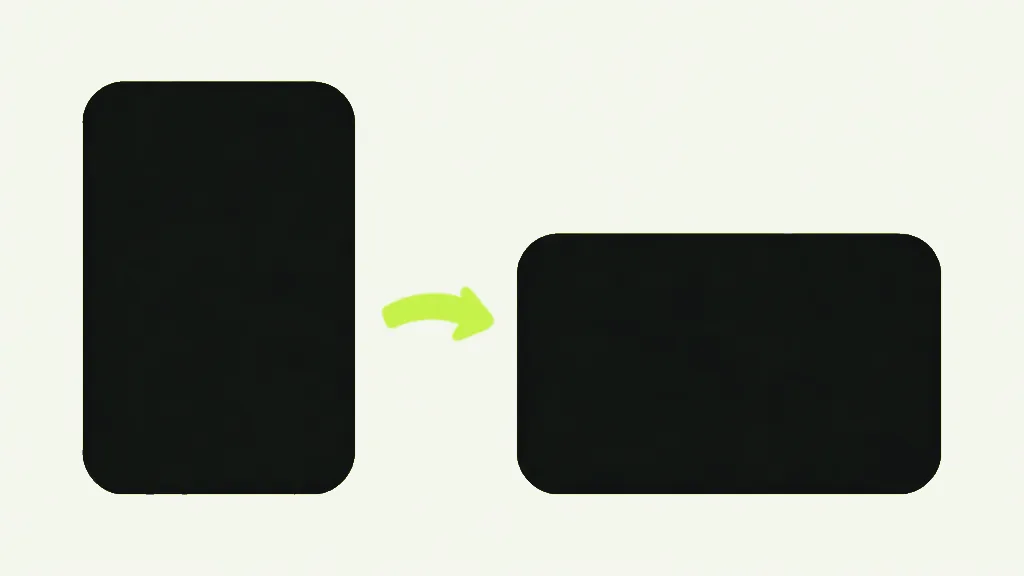
The third piece of a page is /Rotate: a single value, a multiple of 90, that means "display me turned by this much". It does not move anything. The text, the images and the coordinates inside the page are untouched — the number is an instruction to the viewer, applied at the last moment before pixels appear. This is why rotating a PDF is instant on a 300-page file and why it costs no quality at all.
It is also additive, which surprises people. A page arrives from a scanner already stored at /Rotate 90 because the sheet went in sideways. You turn it once more in a tool and it does not land at 90 — it lands at 180. Measured directly: a page stored at 90, given one 90-degree turn, saves out at 180. Our rotate tool adds your turn to whatever the page already carried, which is the only arithmetic that matches what you saw on screen, but it means the number in the file is rarely the number you chose.
Where this breaks tools, including this one
Rotation and cropping collide, and we shipped the collision. The preview you drag a crop rectangle on is rendered by pdf.js, and pdf.js builds its viewport from the CropBox and applies /Rotate before it reports a size. Our crop code, meanwhile, measured the MediaBox and ignored rotation. Two ends of the same feature, each confidently measuring a different rectangle.
The numbers, re-measured while writing this. A Letter page with /Rotate 90 has a MediaBox of 612x792 — still portrait, unchanged, because rotation never touches it. Ask pdf.js for the same page at scale 1 and it reports 792x612, landscape, because that is what a human would see. Add a 540x720 CropBox to that rotated page and pdf.js reports 720x540, having applied both. A page can therefore truthfully report four different sizes depending on which layer you ask, and only one of them is the one the user dragged on.
The consequence was not a crash. It was worse: the crop landed accurately on a page nobody had ever been shown. Drag a rectangle on a landscape preview, get a portrait box applied to the sheet underneath. No error, a valid PDF out, the wrong region kept.

What a crop actually writes
A crop on this site sets the CropBox and nothing else. The MediaBox is left exactly as found, the content streams are never rewritten, and not a single glyph moves — cropping a PDF is a change of about a dozen bytes in the page dictionary. That is why it is instant and why the text stays selectable afterwards. It is also why it hides rather than removes, which is a whole argument of its own and is made properly in why cropping is not redaction.
The conversion from the rectangle you dragged into the rectangle written to the file now happens in exactly one place, and it reads the CropBox rather than the MediaBox, compensates for /Rotate, and offsets by the CropBox origin — because a CropBox does not have to start at 0,0 either. A full-page rectangle is discarded rather than written, precisely so it cannot widen a tighter box that was already there. That guard exists because the bleed case above is real, and a no-op that silently reveals trim area is the kind of bug that ships in a print job before anyone notices.
So what is a PDF page, really?
- A PDF page is a MediaBox (the sheet), usually a CropBox (what you actually see), and a /Rotate number.
- The CropBox wins. When it is absent it copies the MediaBox, which is why the two get confused.
- They disagree on purpose on print files with bleed — the hidden margin is artwork, not blank space.
- Rotation changes one number and moves nothing, and it adds to whatever the page already had.
- A page can report 612x792 or 792x612 for the same sheet. Any tool measuring the wrong one is wrong silently, not loudly.