The files hidden inside your PDF
A PDF can carry whole files inside it, invisible on the page. What they are, how to find them, and why removing one has to delete the bytes, not the pointer.
A PDF can carry whole other files hidden inside it — a spreadsheet, a dataset, another PDF entirely — and none of them show up when you read the page. A PDF is a container as much as it is a document, and embedded files sit in a part of the file the reader never renders. If someone sends you a PDF, it can quietly hold attachments they forgot were in there, and if you send one, it can carry things you never meant to share.
This is a close cousin of what your PDF quietly says about you: both are data travelling inside the document that is invisible on the page. Metadata is a block of text about the file; embedded files are entire separate documents. The page you see is not the whole of what you are handing over.
Where the files actually live
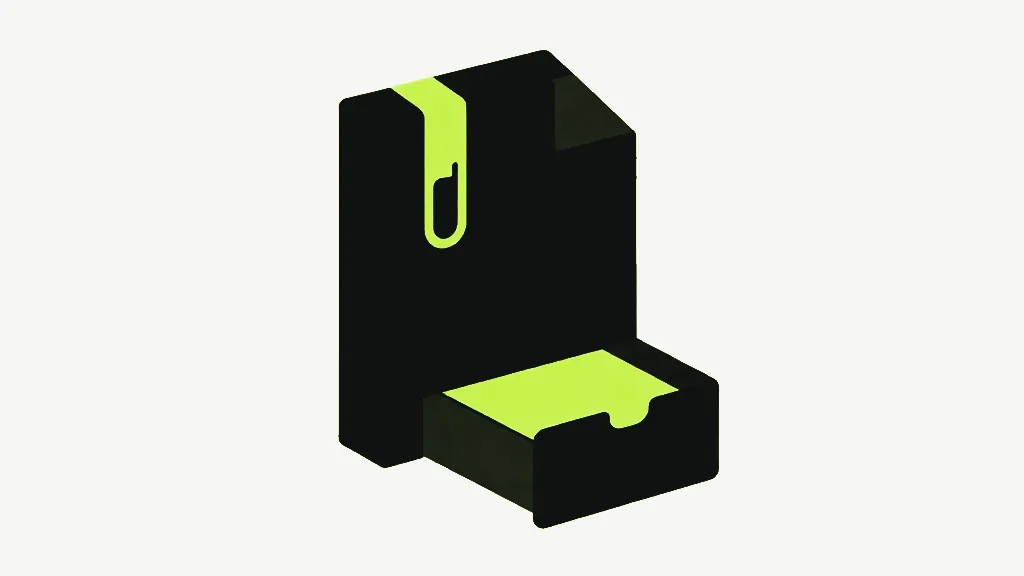
Embedded files sit in a structure called the EmbeddedFiles name tree, a document-level index of attached files paired with their names. Each entry records a filename, the file's bytes, and often a size and a description. A "PDF portfolio" — the kind that opens to a list of documents rather than a page — is really just a PDF whose main content is a pile of these attachments. Our attachments tool reads that tree and lists what is in there: name, size and description for every file, so the first thing it does is answer the question you cannot answer by looking at the page, which is whether anything is hidden in there at all.
It is built entirely on pdf-lib rather than the renderer, which is a deliberate choice: the renderer's own attachment reader does not reliably surface files that pdf-lib itself wrote, so staying on one library keeps the listing honest and keeps the ~480kB page renderer out of this tool's bundle. You can add a file the same way — it is embedded into the tree with a name and an optional description — and the more interesting operation is taking one out.
Removing an attachment has to delete the bytes
Taking a file out of a PDF is where the subtlety is, and it is the same subtlety that catches metadata and bookmarks. pdf-lib serialises every object it has registered, so simply dropping the pointer to an embedded file leaves the file's bytes sitting in the output, merely unlisted. "Removed" would then be a lie — and a dangerous one, because someone removes an attachment precisely when it is sensitive. The tool deletes the embedded file's stream from the document itself, unhooks its entry from the name tree, and strips it from the catalog's associated-files list, so the bytes genuinely leave the saved file rather than going quiet.

You can confirm a removal the hard way: a file that is genuinely gone makes the output smaller by roughly its own size, and its name no longer appears in the raw bytes of the PDF. A tool that only unhooked the pointer would report success while the document stayed the same size — which is why "it said it removed it" is not the same as "it is gone".
Attachments and the copy-based tools
Because embedded files live at the document level, they behave like bookmarks and form fields: the copy-based tools that rebuild a document from its pages — merge, split, delete, extract, organize — leave them behind. That is occasionally useful as a crude strip, but it is a side effect rather than a guarantee, and it takes the bookmarks and title with it. When the point is specifically to get an embedded file out, remove it deliberately with the attachments tool so you know it happened and know nothing else changed.
All of this runs in your browser, which matters more here than usual: checking a document for hidden attachments is exactly the kind of thing you would not want to do by uploading the document to a stranger's server, because the attachments are the sensitive part. The tool reads and rewrites the file on your device and sends nothing anywhere.
Checking a PDF you were sent
The everyday use for this is auditing a document before you forward it. Open it in the attachments tool and the list answers the question at once: most PDFs show nothing embedded, and the ones that do are worth a second look. A PDF portfolio — the kind that opens to a directory of documents rather than a page — is just a PDF whose real content is a stack of these attachments, so this is also how you get the individual files back out of one. Each is shown with its name and size, and its description where the author wrote one, which is usually the quickest way to tell a stray leftover from a file that is meant to be there.
One more thing the list makes visible is size, and size is often the tell. An embedded file of a few kilobytes is usually a small note or a snippet of source data; one of several megabytes might be an entire second document riding along inside the first, quietly doubling what you thought you were sending. Because everything happens on your device, you can open a document, read exactly what is embedded in it, remove what should not be there, and save — without the file, or its hidden passengers, ever leaving your machine for a server to inspect. For a document whose attachments are the sensitive part, that is the only sensible place to do the checking.
Adding or removing one yourself is covered step by step in how to add and remove file attachments.
PDF AttachmentsView, add and remove files embedded inside a PDF.- A PDF can embed entire files — invisible on the page, listed only in a document-level name tree.
- The attachments tool lists every embedded file's name, size and description, so you can see what is actually in there.
- Removing one deletes its bytes from the file, not just the reference — verify by the file shrinking and the name vanishing from the raw bytes.
- Copy-based tools drop attachments as a side effect, along with bookmarks and the title; remove deliberately when it matters.