Drawn, typed, digital: three kinds of PDF signature
Three different things get called a PDF signature: a drawn picture, a cryptographic seal, and an e-signature service. Which one you actually need, and why.
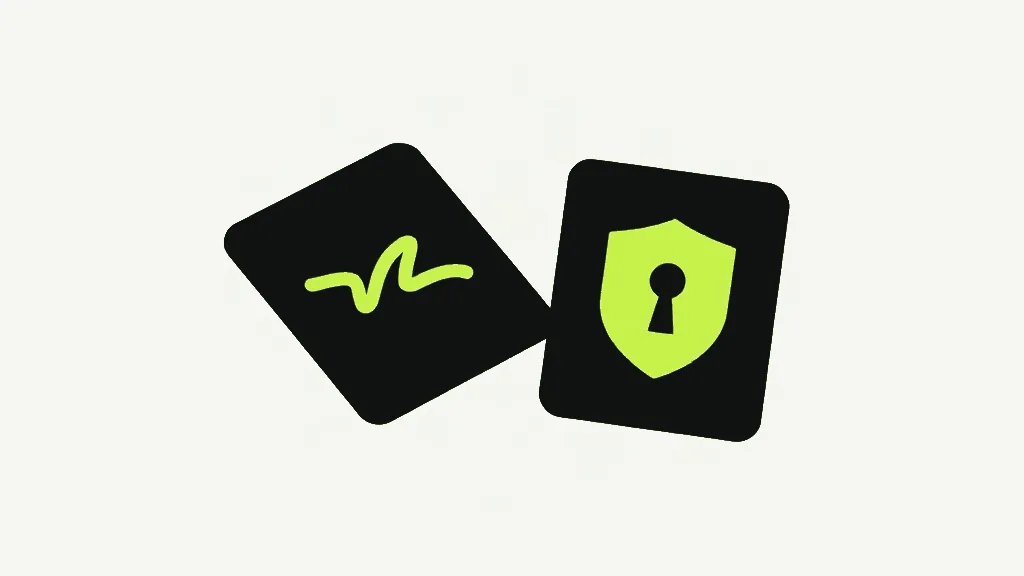
The word "signature" covers three different things on a PDF, and mixing them up is how people end up disappointed or exposed. There is a picture of your handwriting placed on the page; there is a cryptographic digital signature tied to a key that proves the document has not changed; and there are the identity-verifying e-signature services that wrap an audit trail around the whole ceremony. Our tool makes the first. Knowing why it is not the other two tells you when it is enough and when it is not.
A drawn or typed signature is a picture
Our sign tool lets you draw a signature with a mouse or finger, or type your name and have it rendered in a handwriting-style face. Either way, the result is trimmed to a transparent PNG and stamped onto the page as an image, placed where you drag it and sized how you like, in black or blue ink. It is drawn into the page's own content — not left as a loose annotation someone can nudge — and it respects the page's rotation so it lands upright on a sideways scan. What it is, precisely, is a picture of a signature sitting on a document. That is genuinely what most "sign this PDF" tasks need: an invoice, a permission slip, an internal form where the point is to show assent and move on.
What it is not is proof. A picture of a signature can be copied off one PDF and pasted onto another, and nothing in the file resists that. It also does nothing to detect a change made after signing: edit a number on the page afterwards and the signature image sits there unbothered, because it has no relationship to the content around it. It signals intent; it does not guarantee integrity.
A digital signature is a cryptographic seal
A digital signature in the technical sense is a different animal entirely. It uses a private key to compute a value over the document's bytes and embeds it, so any viewer can check two things later: that the signer held the key, and that not a single byte has changed since. Change anything and the check fails visibly. This is the same family of mechanism as the password that actually encrypts a PDF — real cryptography that a viewer enforces — as opposed to a mark on the page that asks to be trusted. Producing one needs a certificate and a signing key, which is why it is the province of dedicated signing software and identity services, not a browser tool that draws a picture.
The third category, the e-signature platforms, sits on top of that: they verify who you are, walk each party through signing, cryptographically seal the result, and keep an audit trail of who did what and when. When a contract "has to be signed on DocuSign or equivalent", that audit trail and identity check are what is being asked for — not the visual mark, which any of the three can produce.
Which one do you actually need?
For a great many everyday documents, a drawn or typed signature is a perfectly valid electronic signature: in a lot of jurisdictions an electronic mark made with intent to sign is legally binding, and that is the bar an ordinary form clears. We are not lawyers and this is not legal advice — where a specific legal standard names a "qualified" or "advanced" electronic signature, or where a document is high-stakes enough that someone might later dispute it, you want a certificate-based signature or a signing service built to stand up to that challenge. Use the picture where a picture is what is expected, and reach for the cryptographic kind the moment the question stops being "did they sign" and becomes "can they prove nobody tampered with it".
If you are signing a filled-in form and want the answers locked so they cannot be edited after the fact, that is a job for Flatten PDF, which bakes interactive field values into the page while keeping the text real. It is not tamper-proofing in the cryptographic sense, but it stops the casual "just change the number and re-send" edit — a different and more modest kind of safety than a digital signature provides.
Placing it, and what it will not fill in for you
Once you have a signature you drag it into position and size it from the corners, and it lands upright even on a page the scanner stored sideways, because the placement accounts for the page's rotation. What a signature image will not do is supply a date, a printed name or your initials — those are not part of it, and a form that needs them wants its form fields filled, or the page annotated, with the signature placed on top. Keep the two jobs separate in your head: the signature is the mark of assent, and everything around it is ordinary form-filling.
The honest framing, then, is that this tool solves the common case and names the edge of it. Most documents that ask for a signature want a clear, placed mark showing that a specific person assented — a picture of a signature does that, and does it without uploading a private document to a signing service. The moment the requirement changes from "show that they signed" to "prove nobody altered it afterwards", you have crossed out of what any image-stamping tool can offer and into cryptography, and no amount of making the picture look official closes that gap. Knowing which side of the line you are on is the whole decision.
Sign PDFDraw or type your signature onto a document.- A drawn/typed signature is an image placed on the page: good for showing intent, no protection against edits or copying.
- A cryptographic digital signature ties the document to a key and detects any change — it needs a certificate, not a browser stamp.
- E-signature services add identity verification and an audit trail on top of that cryptography.
- Everyday forms are usually fine with the picture; reach for the cryptographic kind when integrity has to be provable.