Online, offline, or in-browser? The difference that matters
"Online" and "offline" are not the two choices — there are three. The middle one runs in your browser: delivered online, but your file stays local.
People sort PDF tools into two bins, online and offline, and drop anything with a web address into the first one. That misses the category that actually matters. There are three kinds, and the useful distinction is not where the tool lives — it is where your file gets processed.
The three categories
- Installed software. A desktop program like Acrobat. Your file never leaves the machine, but you had to download and keep updating the program, and it is tied to that one computer.
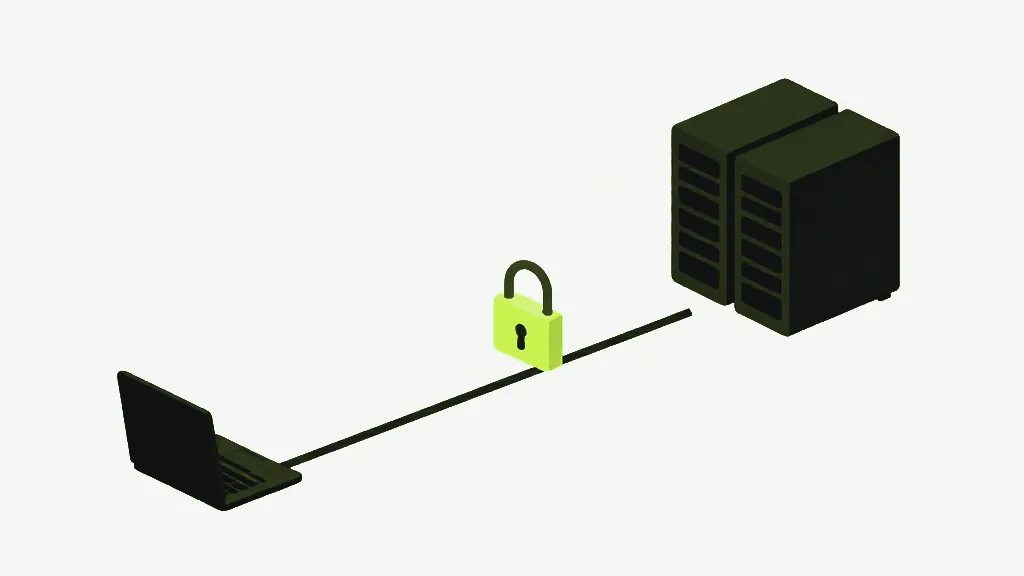
- Server-based online tools. You open a website, upload your file, a server does the work, you download the result. No install, very convenient — and a copy of your document is now on someone else's computer.
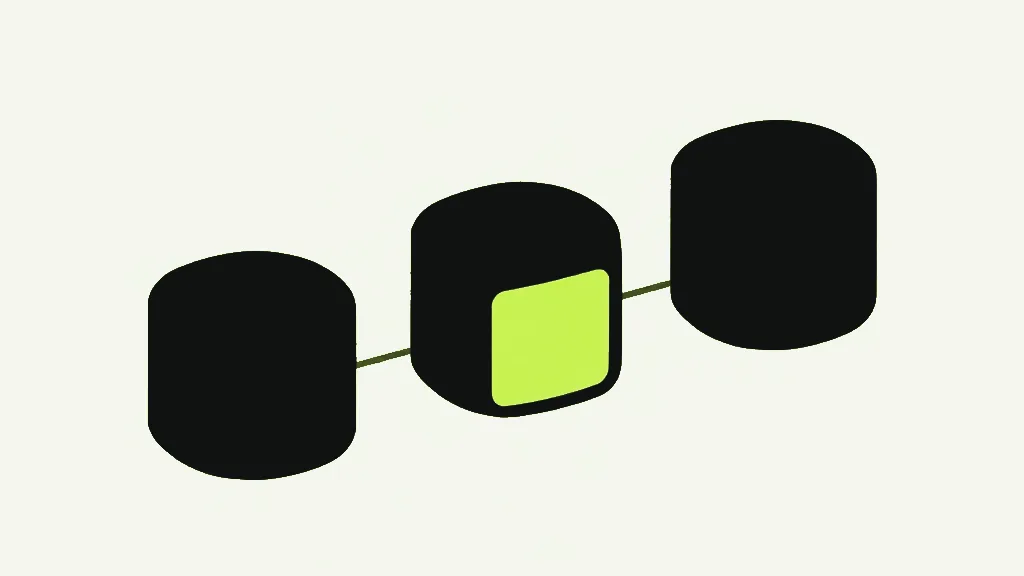
- In-browser tools. You open a website, but the work runs as code inside the tab, on your own processor. No install, and no upload either. This is the category most people do not know exists, so they assume any website must be the second kind.
Why "offline" is the wrong word to search for
In-browser tools are delivered online — you loaded a web page to get them — but they process offline, on your device. Calling them "offline PDF tools" is not quite right, and calling them "online" lumps them in with the upload kind. The property you actually want is local processing: the page came from the internet, your file did not go back to it.
How to tell which one you are using
The cleanest test is to load the tool, then turn off your internet and try to use it. Installed software and true in-browser tools keep working; a server-based tool cannot, because it needs to reach its server. The Network tab shows the same thing without unplugging anything — a server tool sends your file out, an in-browser tool does not.
A tool can be free, polished and reputable and still be the upload kind. Free versus paid tells you nothing about where your file goes; only the processing model does.
Where each one is the right choice
Installed software still wins for heavy, repeated, professional work. Server tools are sometimes unavoidable — some conversions and the best OCR genuinely run better on a server, and that is a real limit worth being honest about. But for the everyday jobs — merge, split, compress, rotate, fill, sign — in-browser does the work without the upload, and that is the option most people are missing.
Merge PDFCombine multiple PDFs into one file, in the order you choose.