PDF vs Word: the real difference, and which one to send
A Word file stores paragraphs, so its text reflows when you edit it. A PDF stores every letter at a fixed spot on a fixed page, so it looks the same everywhere but has no paragraphs to edit. Send a PDF to be read, a Word file to be changed.
The difference between a PDF and a Word document is what each one remembers. A Word file remembers paragraphs, headings, lists and tables, and lays them out fresh every time it opens. A PDF remembers where every letter was drawn on a fixed page, and almost nothing about why. That one difference decides which to send, and what a converter can bring back.
What is the difference between a PDF and a Word document?
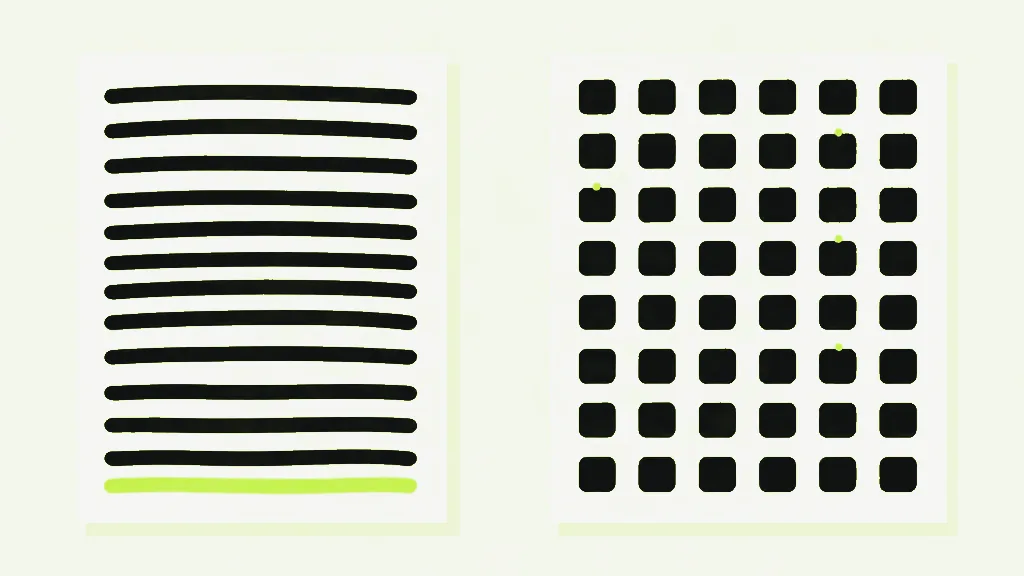
A Word document (.docx) is a set of instructions: this is a heading, this paragraph follows it, this is a table. Word builds the pages when the file opens, so a new font or page size moves everything. A PDF is the finished layout itself, with every letter pinned at a fixed position on the page.
That is why a PDF prints the same on any printer, and why editing one is so awkward: there is no paragraph inside it to reflow, only lines of letters that happen to sit near each other. The one common exception to looking the same everywhere is a PDF that names its fonts instead of carrying them, and that moves line breaks.
Is PDF better than Word?
Neither is better. They do different jobs. PDF is right for the finished version: a CV, an invoice, a signed contract, anything that must look the same when it arrives. Word is right while the document is still changing, because it keeps the paragraphs and styles that make editing easy.
The working rule is short. Send a PDF when you want someone to read the document, and a Word file when you want them to change it. A draft sent as a PDF to a colleague who has to edit it forces them to convert it back, and as the rest of this page shows, that trip loses things.
Is it better to apply with a PDF or Word document?
If the job posting names a format, send that one. If it does not, a PDF is usually the safer choice, because your layout, fonts and page breaks arrive exactly as you set them. Keep the layout to a single column, because software reading text back out of a PDF has to guess the reading order.
We know that guess first-hand, because our own converter makes it. An ordinary PDF does not reliably record which line comes after which, so PDF to Word sorts the text top to bottom and left to right by position, and its stated limits warn that multi-column layouts can interleave. Any software pulling the text out of your CV is working from those same positions.
What are the disadvantages of PDF?
- Editing is awkward. There are no paragraphs to reflow, so a changed word does not push the rest of the line along.
- A scanned PDF is a picture of a page, with no text to select until OCR adds a text layer.
- Reading order is usually not stored reliably, so copying text out of a two-column page can mix the columns together.
- Structure is not stored either. Headings, lists and tables survive only as what they look like, so turning a PDF back into Word is a reconstruction, not a reversal.
Can I take a PDF and make it into a Word document?
Yes, if the PDF has selectable text. PDF to Word reads the text in your browser, rebuilds paragraphs and headings from size and spacing, and downloads a .docx you can edit. It is free, needs no account, and the file is never uploaded. The words come back exactly. The structure comes back as a best guess.
PDF to WordTurn a text-based PDF into an editable Word document.Because the PDF never stored its structure, the converter infers it, and the clues are simple. A line becomes a heading only by being bigger than the body text: one and a half times the body size or more makes a top-level heading, one and a fifth or more makes a second-level one. Bold and italic are read from the name of the font each word uses.
What survives a PDF to Word conversion?
We tested it rather than guess. We built a PDF with headings at 24, 18 and 14 point over 11-point body text, a bold line, a small table and a two-item bulleted list, converted it with PDF to Word, and opened the result with a separate Word-reading library rather than the one that wrote it.
- The words came back intact, with their bold and italic, and so did a line of Cyrillic and Greek.
- A paragraph that wrapped across two lines came back as one paragraph, as it should.
- The 24-point and 18-point headings both came back as Heading 1, and the 14-point one as Heading 2. Two levels are all the converter makes, so a three-level outline flattens.
- A bold line at body size stayed an ordinary bold paragraph. Bold alone does not make a heading.
- Each table row came back as one line of text with its cells side by side. There was no table.
- The two bullet points came back merged into one paragraph with no bullet marks. That PDF drew its bullets as small circles rather than typing them as characters, so there was no text there to read.
Converting a PDF to Word and back again is not a round trip. Each direction rebuilds rather than copies. PDF to Word infers the structure from positions, and Word to PDF lays the content out fresh, leaving headers and footers behind. Keep the original .docx. It is the only copy that still knows what its headings were.
Why can’t a PDF be converted to Word?
Usually because the PDF has no text in it. A scanned PDF is a stack of photographs of pages, so PDF to Word stops with a message pointing you to OCR PDF instead of handing back an empty document. A file that needs a password to open is turned away too, until you unlock it with the password you have.
The other reason conversions disappoint is the one this page is about: the structure was never in the file. A converter can read every word correctly and still miss that some of them were a table. A PDF that is mostly tables is better sent to PDF to Excel, which looks for columns instead of paragraphs.
Going the other way is covered in how to convert Word to PDF. Every converter in both directions is listed under convert to PDF and convert from PDF.