What “extract images” actually pulls out of a PDF
Extracting images pulls the real embedded pictures out at full resolution — not a page screenshot. What it finds, what it dedupes, and what it quietly misses.
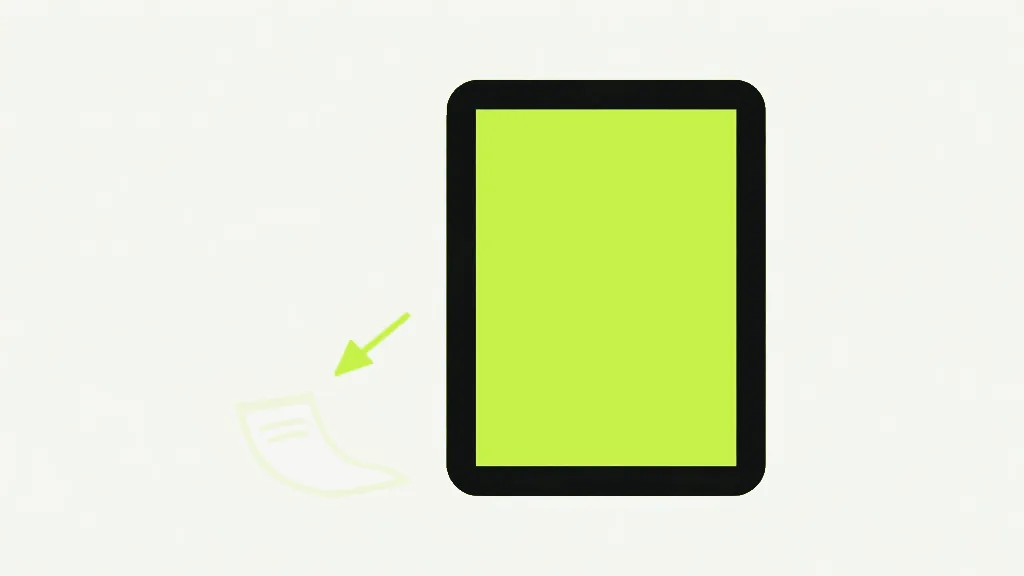
Extracting images from a PDF pulls the real embedded pictures out of the file at their original resolution — it is not a screenshot of each page. That difference is the whole value of it and also the source of every "why did I get fewer images than I expected" question. The tool reaches into the page for the actual bitmaps that were embedded in it, so a photo that went in at 3000 pixels wide comes back at 3000 pixels wide, cropped to nothing but the photo. What it cannot give you is a picture of something that was never a picture to begin with.
This is the opposite operation to rendering a page. PDF to PNG draws the whole page — text, lines, photos and all — into one flat image at a resolution you choose. Extracting images ignores the page entirely and goes after the embedded bitmaps individually. If you want "the picture on page 4 as its own file", extraction is the tool; if you want "page 4 as it looks", rendering is.
How it finds the images
Our extract-images tool walks each page's list of drawing operations looking for the specific instruction that paints an embedded image, and pulls out each bitmap it names. Because it works from that instruction list, it also knows when the same image is used more than once: a logo that appears on every page is stored in the file only once and comes out once, not fifty times, because the tool tracks which image objects it has already seen. Very small marks — a few pixels square — are skipped as decorative artifacts rather than dumped on you as files, and everything it does export is written out as a PNG.
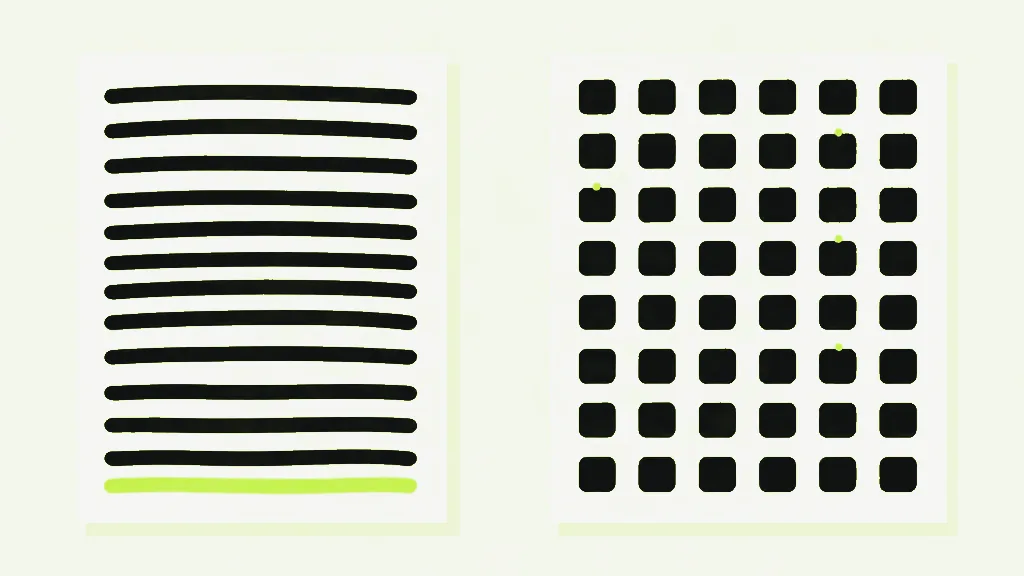
One happy consequence of reading the actual embedded data: a scanned document extracts fine, including old 1-bit fax-style scans, because the pixels are really in there regardless of how few colours they use. A scan is a page where every mark is an image, so extraction hands you back that image at its full scanned resolution — which is often exactly what you want when you need the scan itself rather than a re-rendered copy of it.
What gets missed, and why it is not the file format
The real limit is which kinds of image instruction the tool matches, and it is worth being exact because the intuitive guess is wrong. It handles standard embedded image objects. It does not yet catch two less common forms: inline images, which are small images written directly into the page's content rather than stored as separate objects, and stencil masks, which are one-bit shapes used to paint through a colour. Those slip past. What is NOT the limit is pixel format — the tool used to claim it could not handle certain encodings, and that turned out to be false in a browser, which is why the honest statement now is about the kind of mark, not the kind of pixels.
The other thing that yields nothing is anything that was never a bitmap. A chart drawn as real lines and shapes, a logo that is actually vector art, body text — none of these are images, so extraction correctly finds no image to pull out. This is the most common reason a page that visibly "has a graphic on it" produces no files: the graphic is instructions, not pixels. If you need that vector graphic as an image file anyway, the route is to render the page with PDF to PNG and crop, accepting that you now have a fixed-resolution picture of something that used to be resolution-independent.
So "no images found" has three honest meanings, and the tool cannot always tell them apart: the page is text and vector only; its pictures are inline images or stencil masks the walk does not match yet; or there genuinely are no raster images in the document. None of them mean your file is broken — they mean the thing you were looking at was not the kind of image this tool extracts.
The highest-quality copy is the embedded one
Because extraction returns the embedded bitmap itself, it is the best way to get a clean, full-resolution copy of a photo trapped in a PDF. A page render — PDF to PNG — can only be as sharp as the resolution you render at, and it bakes in everything else that was on the page around the photo. Extraction skips all of that and hands back the original pixels the author embedded, at the size they embedded them. If a document holds a 4000-pixel product shot shown small on the page, extraction gives you the 4000-pixel image; rendering the page at screen resolution gives you a few hundred pixels and a crop of whatever surrounded it.
It helps to hold the mental model of what a PDF actually stores. A page is a set of drawing instructions, and an embedded image is one ingredient those instructions place — so extraction is less "take a screenshot" and more "hand me back the ingredients". That is why the results can surprise in both directions: a page that looks image-heavy may yield nothing because its graphics were drawn as vectors, and a page that looks like plain text may yield one large picture because the whole thing is a scan. The tool is reporting the truth of how the page was built, which is more useful than a pile of screenshots even on the occasions it returns less than you expected.
For the steps themselves, see how to extract images from a PDF.
Extract ImagesPull every embedded image out of a PDF.- Extraction pulls real embedded bitmaps at native resolution; page rendering (PDF to PNG) draws the whole page instead.
- A repeated image, like a logo, is exported once — the tool dedupes by image object.
- The gap is inline images and stencil masks, not pixel format; even 1-bit scans extract.
- Vector graphics are not images and never appear — render the page if you need one as a file.